Telegram bot
How to record operations with one message.
You don’t have to move your whole history at once. One account with a real balance is enough — the rest grows with you.
Steps
In Telegram through @monnex_bot or in the browser at app.monnex.app — the data is the same.
A card, cash or savings: its currency and the actual balance today.
One line in Quick entry or one message to the bot: “coffee 180”, “+5000 salary”.
Budgets, goals, investments, property and debts — whenever you are ready.
Already have a history?
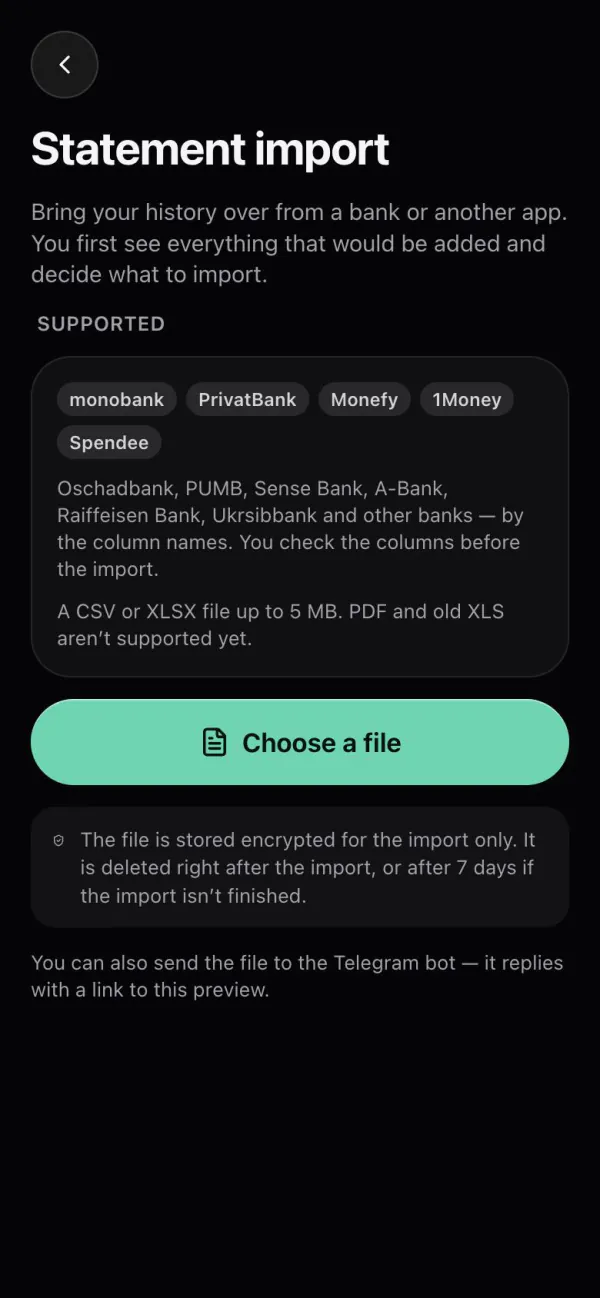
Upload a CSV or XLSX statement from monobank, PrivatBank, Monefy, 1Money or Spendee, or another bank by its column names. You choose what to add after a preview.
Tips
Next
How to record operations with one message.
Budgets, goals, wealth, currencies, import.
Answers to common questions.
First step
It is free and takes less than a minute.