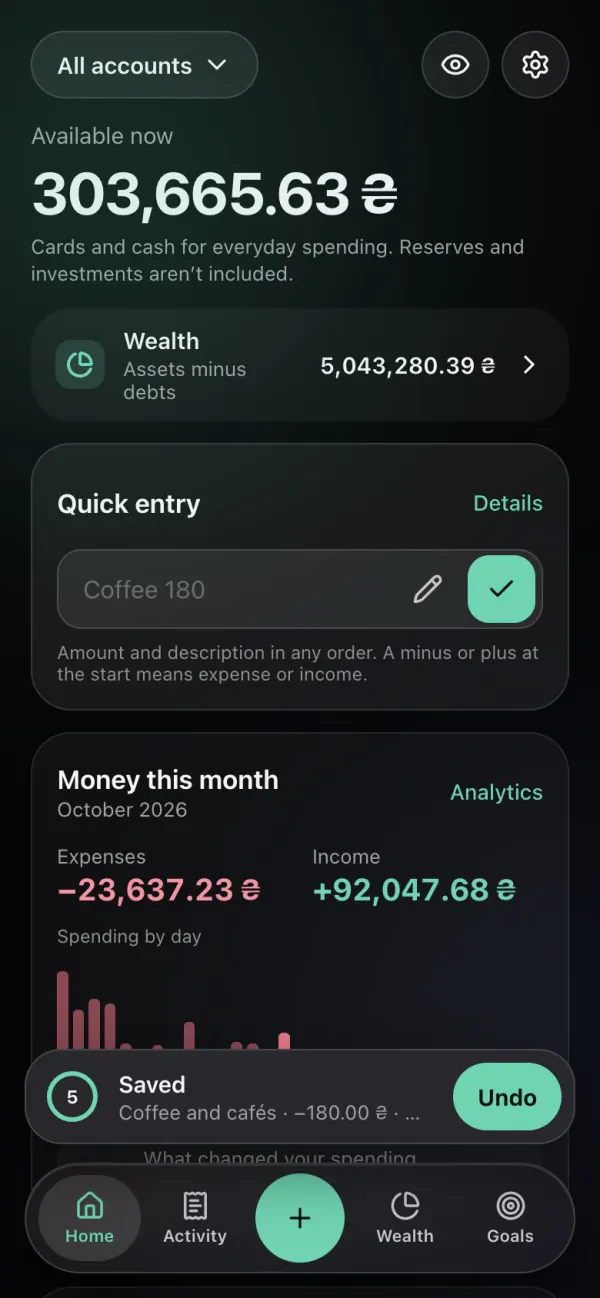
Quick entry
“Coffee 180” in one line on Home — amount and description in any order, a plus for income. Expenses, income, transfers and currency exchange.
Personal finance in Telegram
Record an expense with one message, see how much you can safely spend today and watch your wealth grow: accounts, property, investments and debts together.
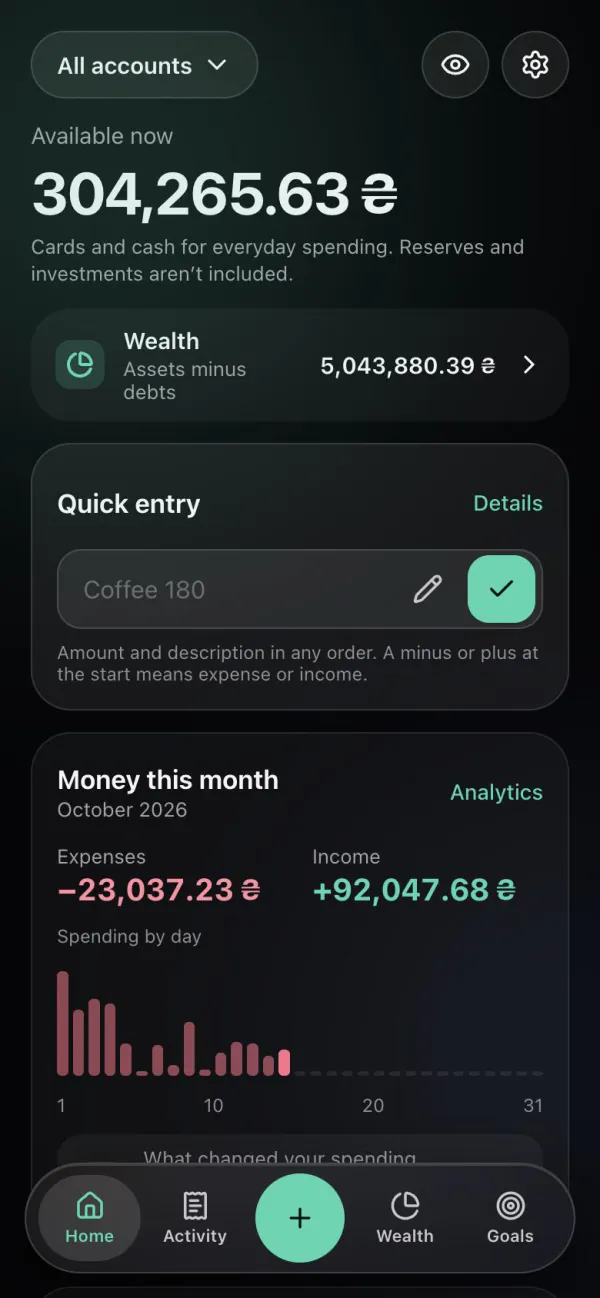
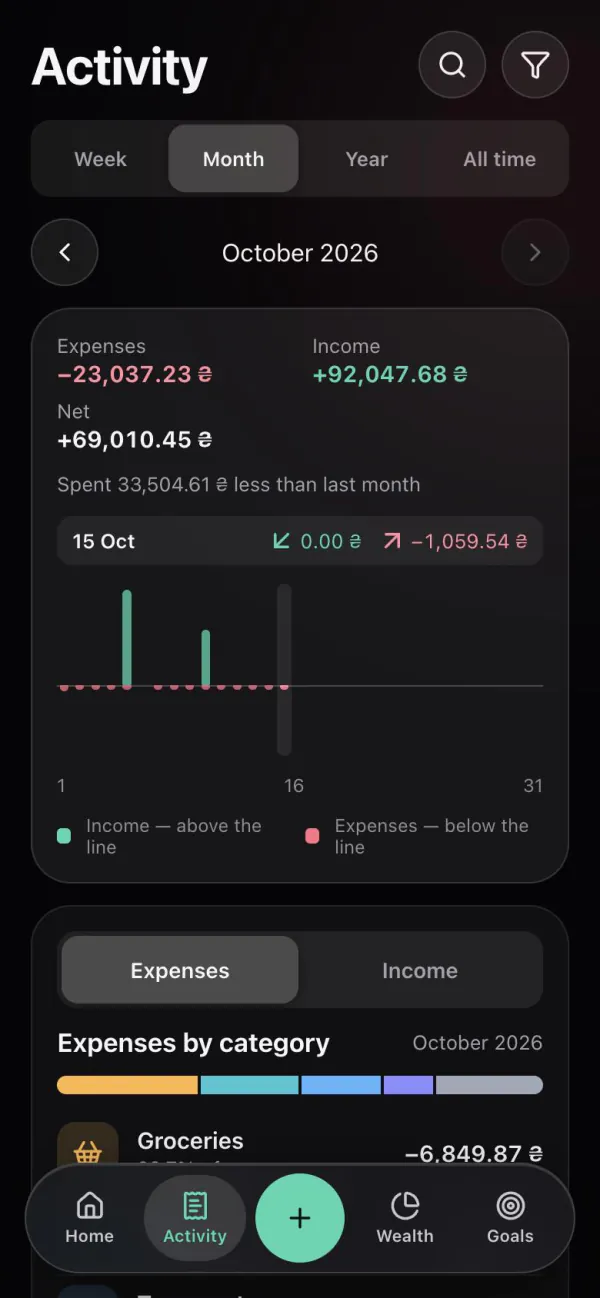
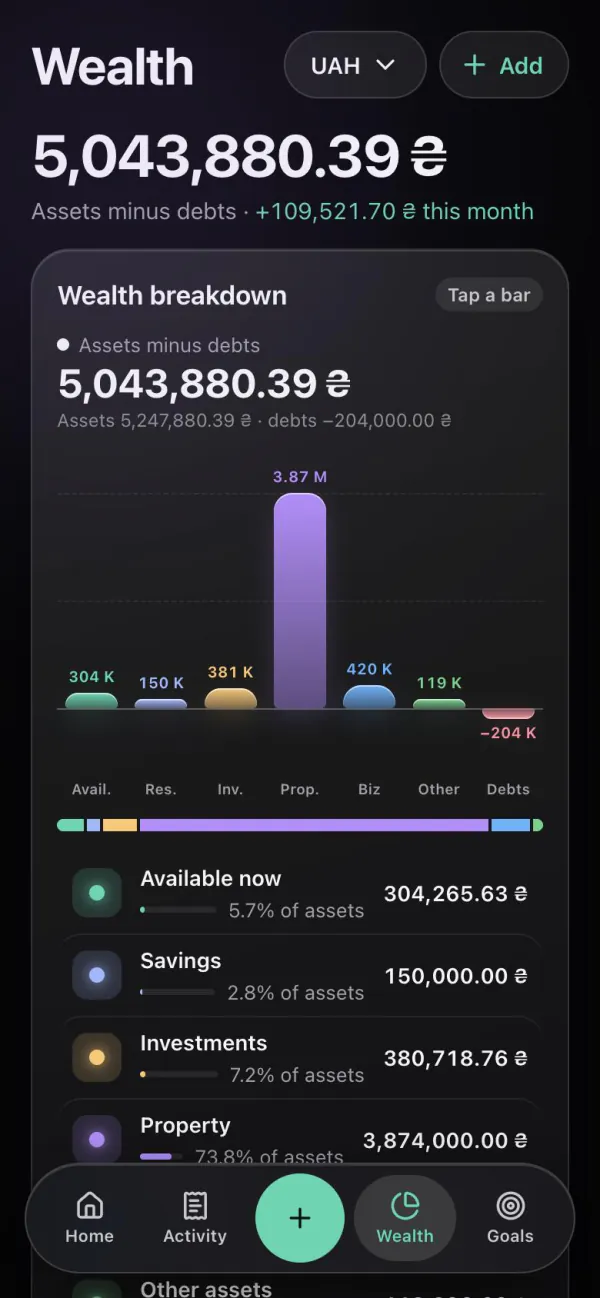
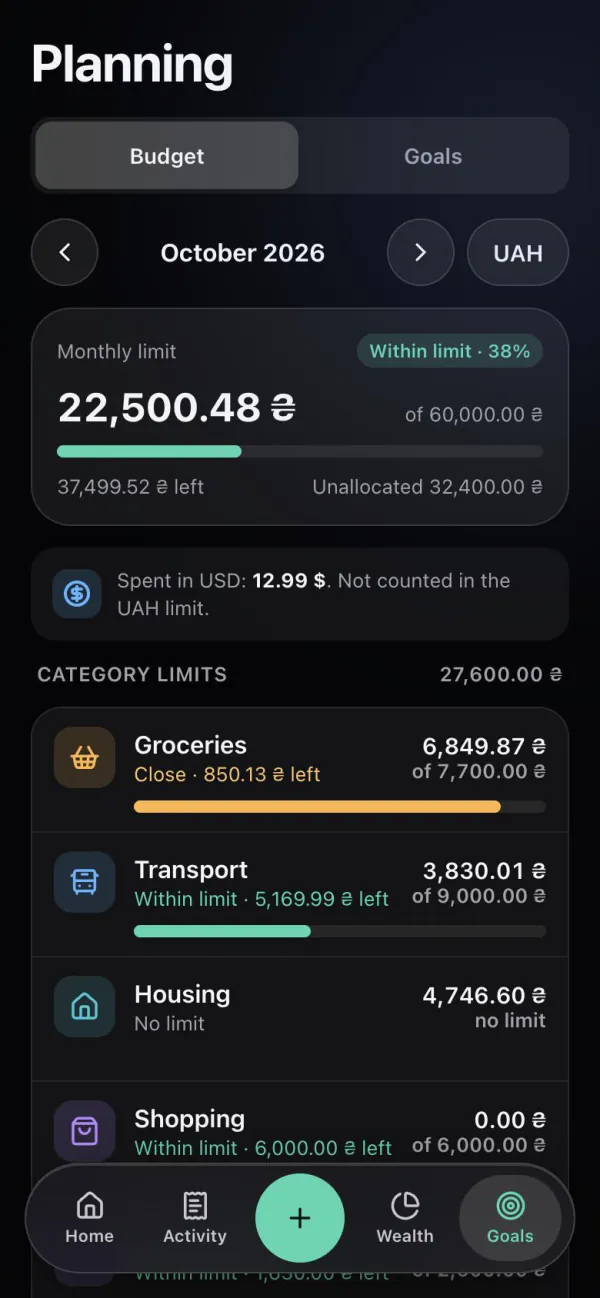
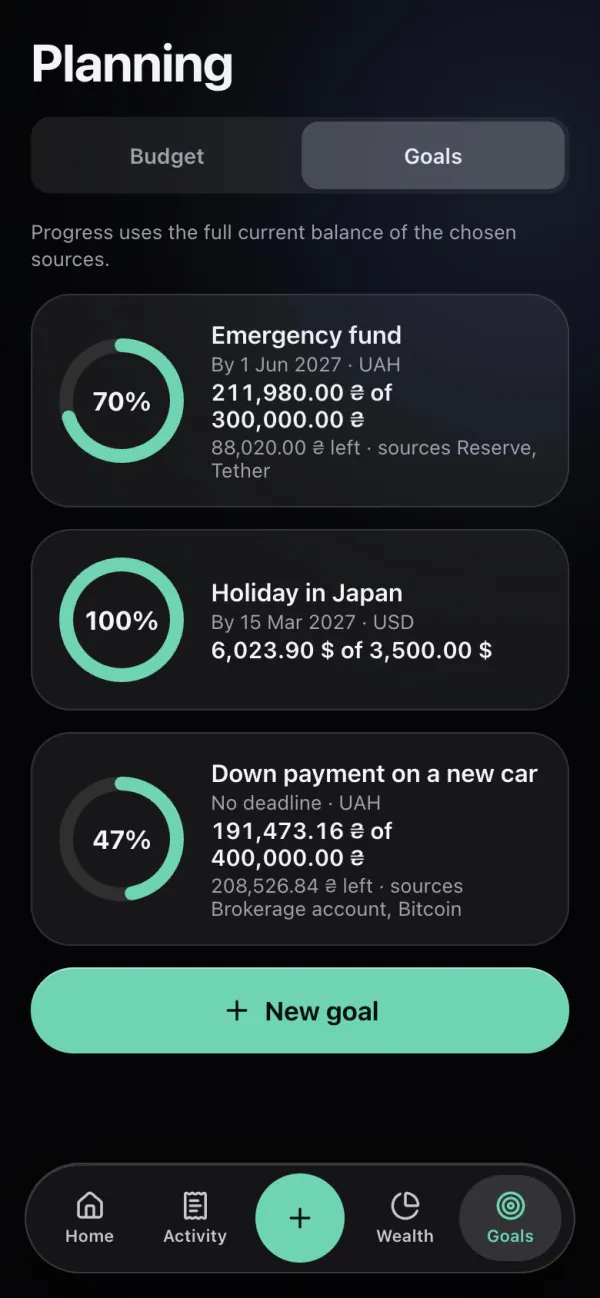
Shown: the app in English with demo data.
Video overview
A short walkthrough of real scenarios: an expense in the bot, Home, budget, wealth and goals.
Telegram bot
Send the bot an amount and what it was for — in any order. It saves the operation at once, picks a category from your history and shows the new balance.
coffee 180180 coffee+5000 salarytaxi 250 uahFeatures
“Coffee 180” in one line on Home — amount and description in any order, a plus for income. Expenses, income, transfers and currency exchange.
A monthly limit and limits for groceries, transport or cafés. Monnex shows what is left and warns at 80% and 100%.
Accounts, savings, property, business, investments, crypto and debts. One figure: assets minus debts, and how it changed.
How wealth worksAn emergency fund, a holiday, a car. Progress comes from the accounts you link to the goal.
About goalsEach account keeps its currency. Totals use dated National Bank of Ukraine rates — amounts are never mixed without a rate.
About currenciesSafe to spend today
Monnex takes what is left of your monthly limit and divides it by the days left in the month. You simply see how much you can spend today and still stay within the budget.
(monthly limit − spent) ÷ days left in the month
Safe to spend today
2,205.85 ₴
Statement import
Upload a CSV or XLSX statement from a bank or another app. You first see everything that would be added and choose what to import.
monobankPrivatBankMonefy1MoneySpendee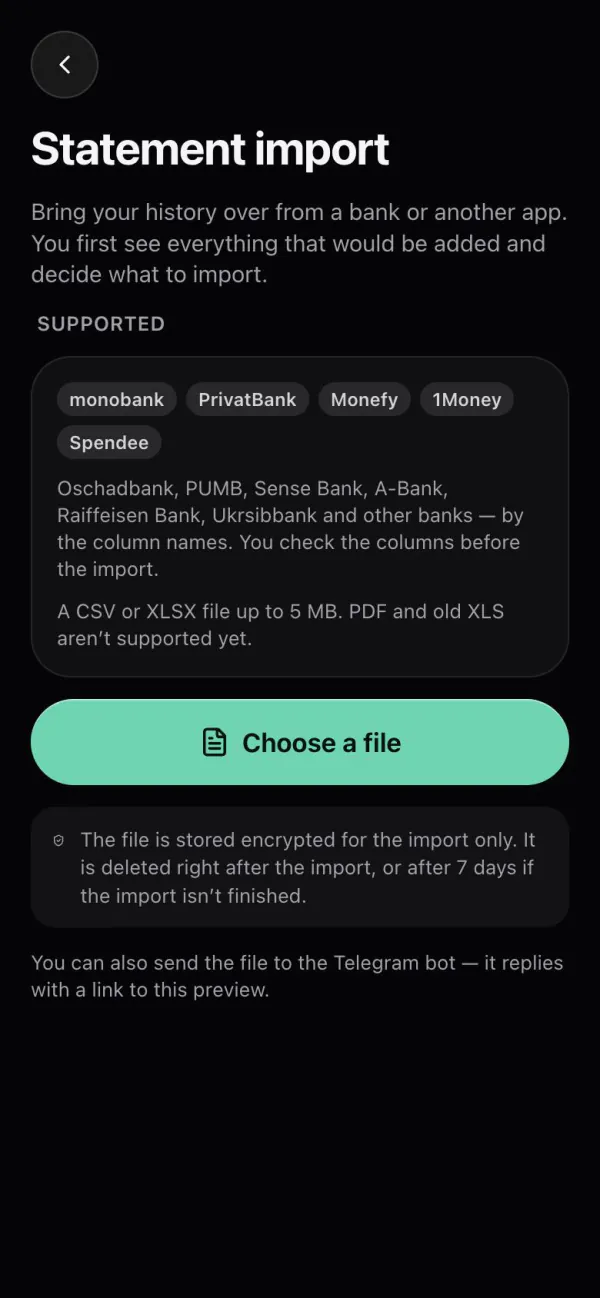
Reminders and summaries
The bot writes in Telegram only what you turn on. Times are your local time.
Only on days when nothing was recorded.
On Monday — last week’s spending and income.
On the first day of a new budget month.
When a category or the monthly budget nears its limit.
How to start
Tap “Start” in @monnex_bot. No separate password or email needed.
A card, cash or a savings account in its currency, with today’s balance.
Send the bot “coffee 180” or type it in Quick entry in the app.
Pricing
The whole ledger is free, with no limits on accounts, budgets or goals. Premium adds analytics and automation.
0 ★
21 days free
120 ★ per month · or 990 ★ per year
Prices as they will be. Payments are not enabled yet, so nothing is charged now.
Pricing in detailQuestions
No. Monnex does not connect to banks and has no access to your cards. You record operations yourself — in one line, through the bot or by importing a statement file.
No. You sign in with Telegram. Later you can link Google to open Monnex in the browser.
The whole ledger is free: no limits on accounts, budgets or goals, and your first statement import is included. Premium — analytics and automation — will cost 120 Telegram Stars a month or 990 a year, after 21 days of Premium free. Payments are not enabled yet.
21 currencies, including the hryvnia, dollar, euro, złoty and leu. Each account keeps its currency; totals use dated National Bank of Ukraine rates.
Yes. Monnex works in the browser at app.monnex.app with the same data as in Telegram.
The first entry takes less than a minute.