Statement import
How a statement file is handled.
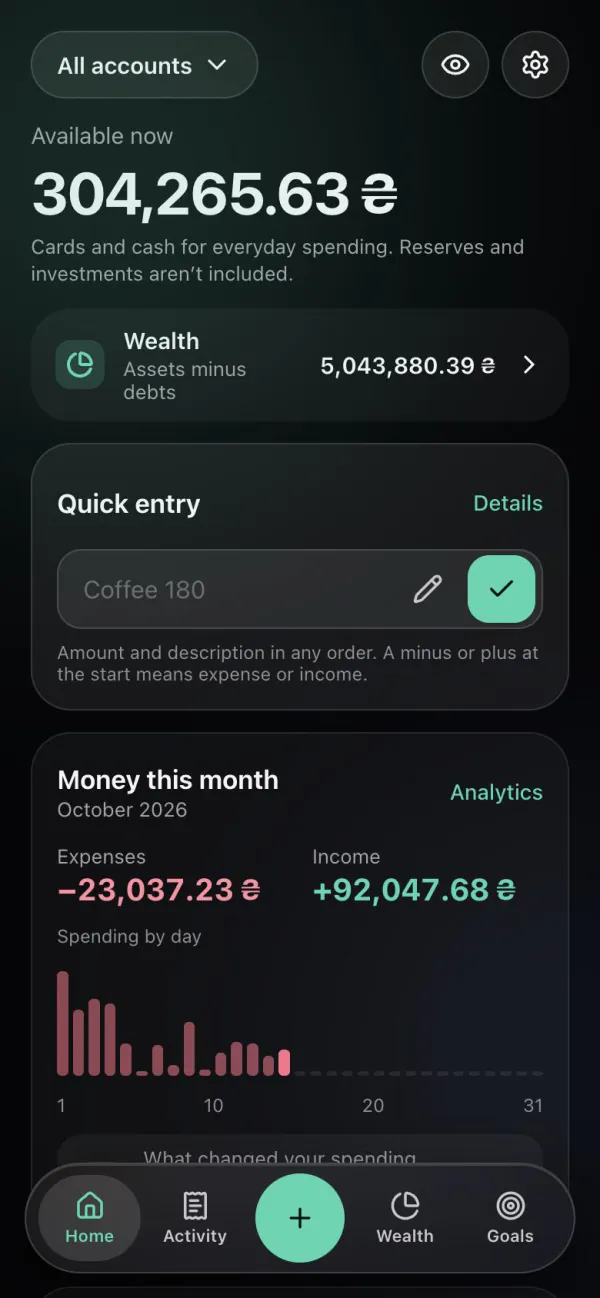
Monnex does not connect to your bank and never asks for card details or banking passwords: operations come from quick entry, the Telegram bot or a statement file you upload. You can export your operations to CSV or XLSX (Excel) for a chosen period on Free. A statement file is stored encrypted only for its import.
Updated
Access
Monnex knows only what you give it: the operations you record, the accounts you create and the statement files you choose to upload. It has no connection to your bank, no card numbers and no banking passwords.
Export
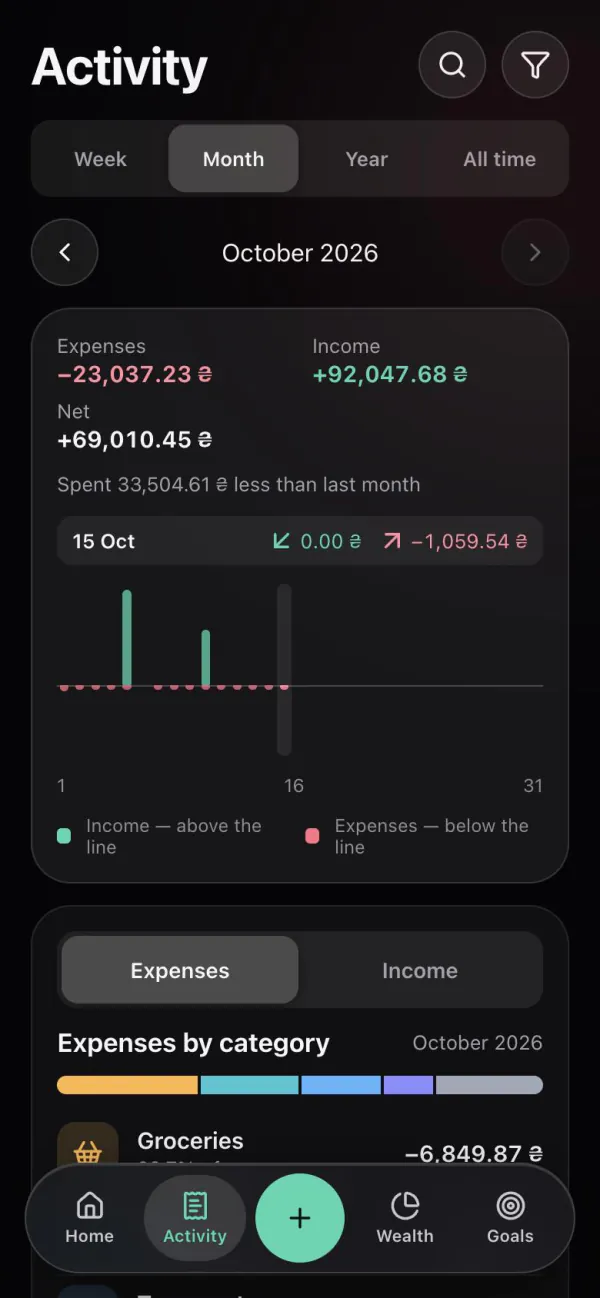
Choose a period and a format — CSV or XLSX — and Monnex builds a file with your operations: date, type, account, amount and currency, category and note; transfers and exchanges carry both sides and the rate. Open it in Excel, Google Sheets or Numbers, keep it as a backup or take it to another app.
Facts
Questions
No. Monnex does not connect to banks and has no access to your cards. You record operations or upload a statement file yourself.
Monnex never asks for it. If an app needs your bank login, it can read your bank data; Monnex works without that access.
Export your operations to CSV or XLSX for any period. The file opens in Excel or Google Sheets.
The privacy policy and terms of use are being prepared for publication and will appear on this site.
Related
How a statement file is handled.
The same data in the browser, signed in with Telegram or Google.
More answers about Monnex.
Start with one account and one entry.