Export and privacy
No bank connection; your data exports to CSV or Excel.
Monnex imports CSV and XLSX statements up to 5 MB from monobank, PrivatBank, Monefy, 1Money and Spendee, and from other banks by mapping the columns. You see a preview before anything is added, possible duplicates are flagged, and an import can be reverted within 30 days. The first import is free; every further import is part of Premium.
Updated
Supported files
Monnex recognises statements from monobank and PrivatBank and exports from Monefy, 1Money and Spendee. For any other bank — Oschadbank, PUMB, Sense Bank, A-Bank, Raiffeisen Bank, Ukrsibbank and more — you match the columns once: date, amount, description.
monobankPrivatBankMonefy1MoneySpendee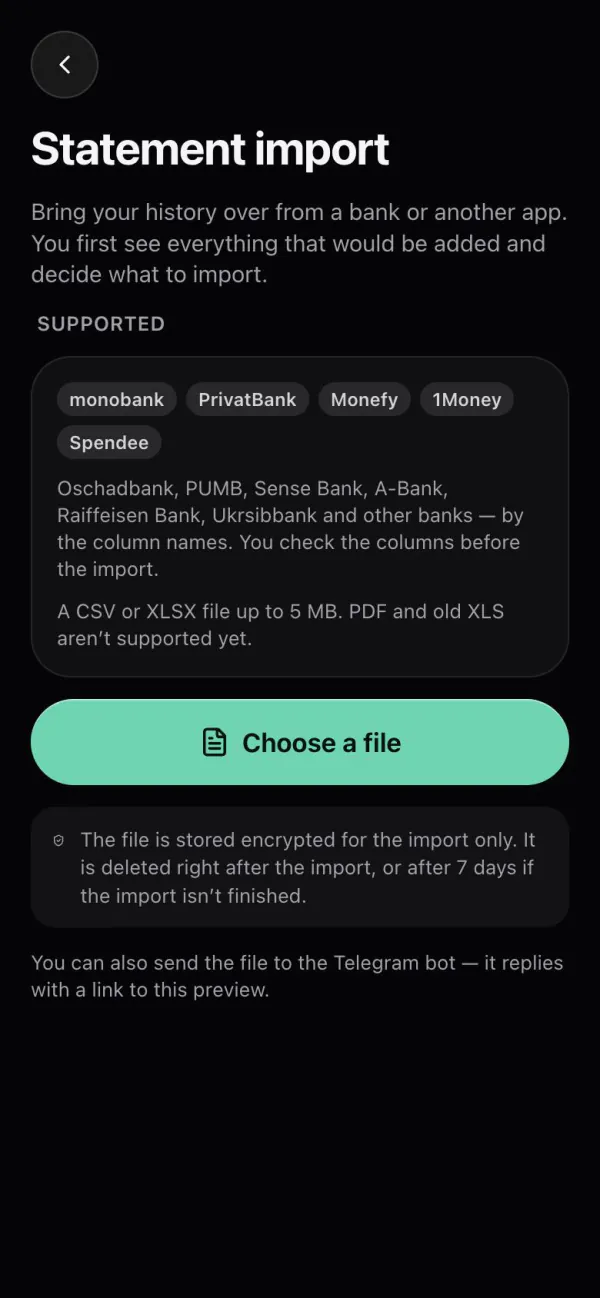
Step by step
From your bank or the app you are leaving, as CSV or XLSX.
In Statement import or by sending the file to @monnex_bot.
Columns, operations and flagged duplicates — choose what to add.
A finished import can be reverted within 30 days.
Your file
The file is stored encrypted only for the import. It is deleted when the import is finished, or after 7 days if you never finish it. Monnex never asks for your banking password: the statement is something you download and upload yourself.
Questions
Export your data from that app as CSV or XLSX and upload the file to Monnex. You see every operation in a preview before it is added. The first import is free.
Yes, if the bank gives you a CSV or XLSX statement: you match the columns — date, amount, description — and Monnex shows a preview.
Possible duplicates are flagged in the preview, so you can leave them out.
Yes. A finished import can be reverted within 30 days; the operations it added are removed.
The first import is free, to move over from another app. Every further import is part of Premium.
Related
No bank connection; your data exports to CSV or Excel.
An honest comparison if you are moving from Monefy.
Four steps from the first account to the whole picture.