21 currencies
Each account keeps its own currency. Totals use dated National Bank of Ukraine rates; you can also set your own rate.
Learn moreMonnex handles everyday entries and shows the big picture: how much is available now, how the budget is going, how close your goals are and what your wealth is made of.
Updated
Quick entry
Type “Coffee 180” in Quick entry on Home. The amount and the description go in any order; a minus or plus at the start means expense or income. Monnex picks the category and saves the operation — with a few seconds to undo it.
Coffee 180180 groceries+5000 salary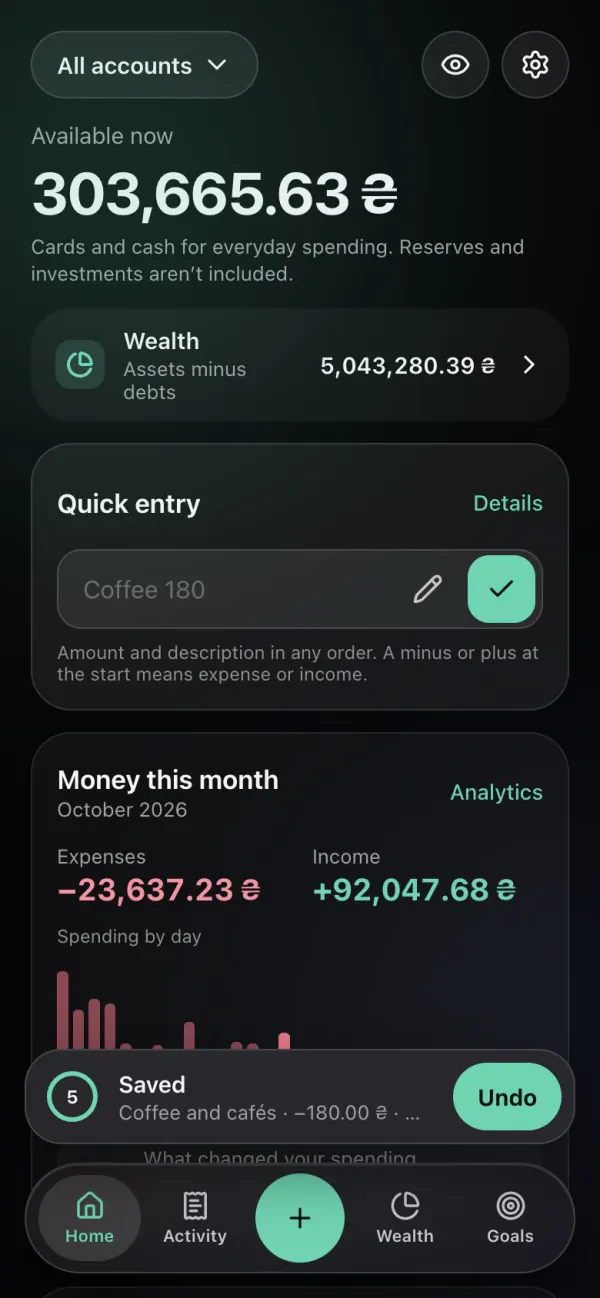
Activity
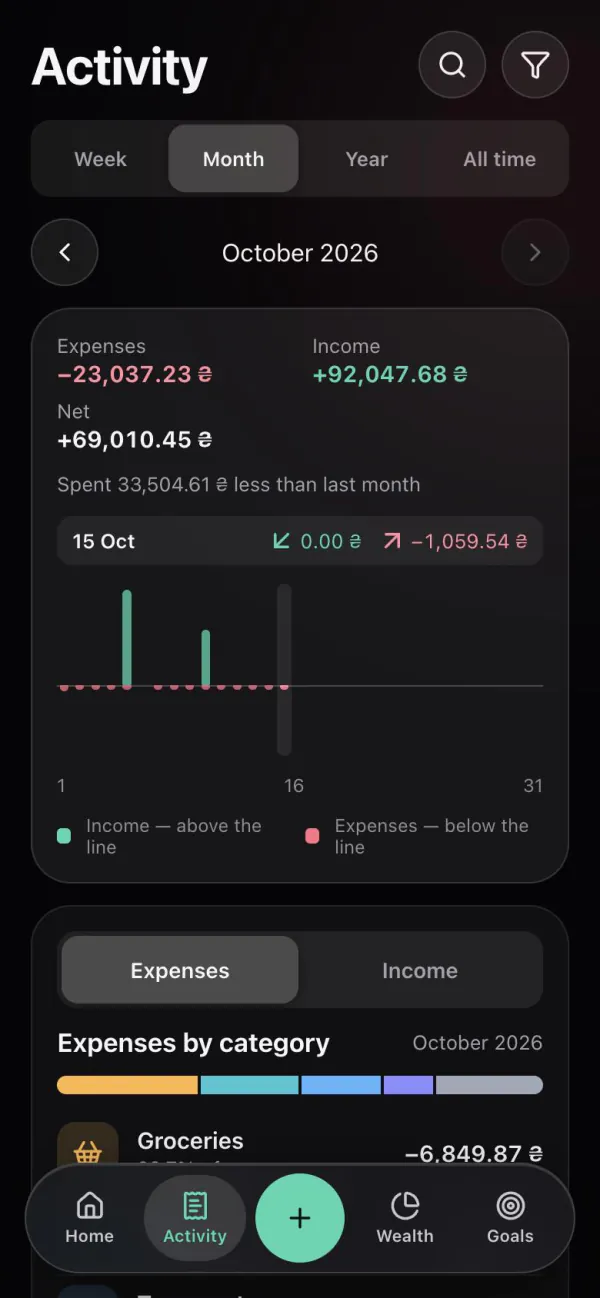
Activity shows expenses, income and the net result for a week, a month, a year or all time, with a daily chart, categories and comparison with the previous period.
Budget
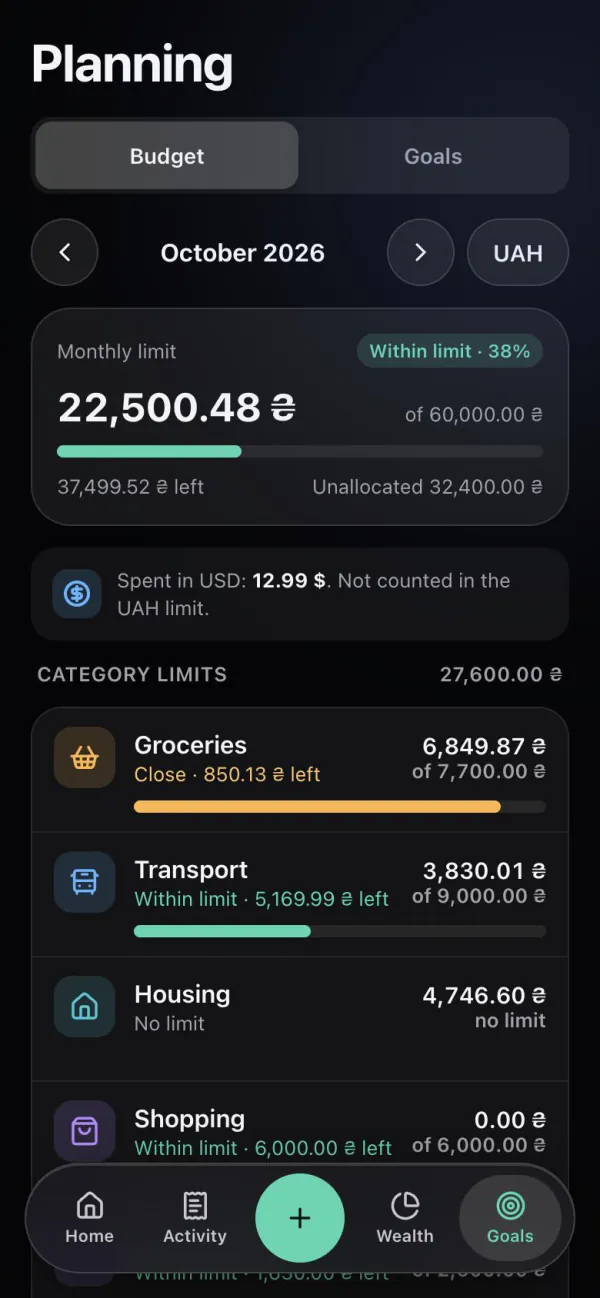
Set a monthly limit and limits per category. Monnex shows what is spent and what is left, and Home shows how much is safe to spend today.
Safe to spend today = (monthly limit − spent) ÷ days left in the month
Goals
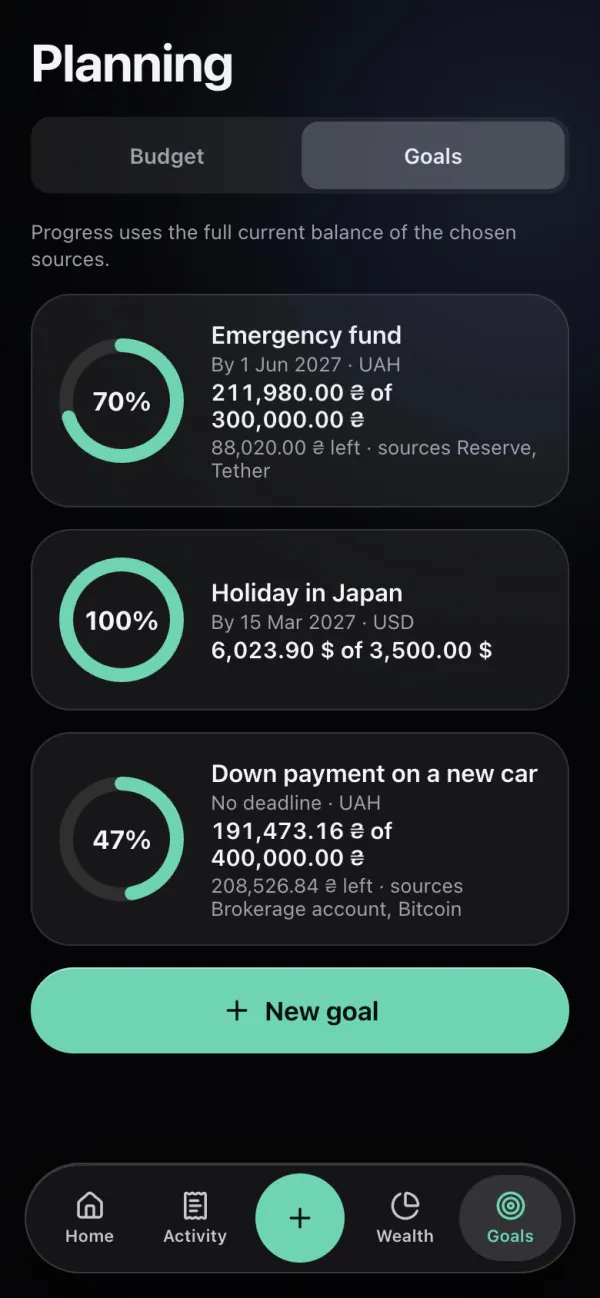
A goal has an amount, a currency and an optional date and is linked to real accounts. Progress uses their current balance — no need to set money aside inside the app.
Wealth
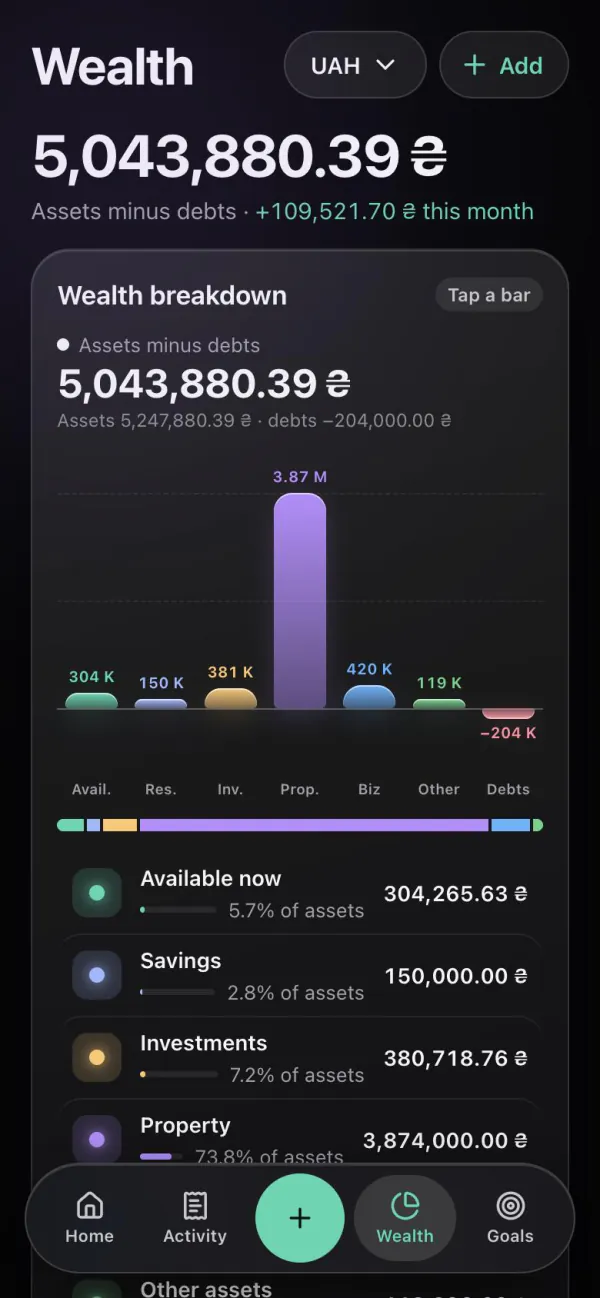
Wealth is assets minus debts: accounts and cash, savings, property, business, investments and debts you owe or are owed to you. “Available now” — cards and cash for everyday spending — is shown separately.
Statement import and export
Import a CSV or XLSX statement (up to 5 MB) from a bank or another app. You see every operation before it is added and choose what to import. The file can also be sent to the bot.
monobankPrivatBankMonefy1MoneySpendee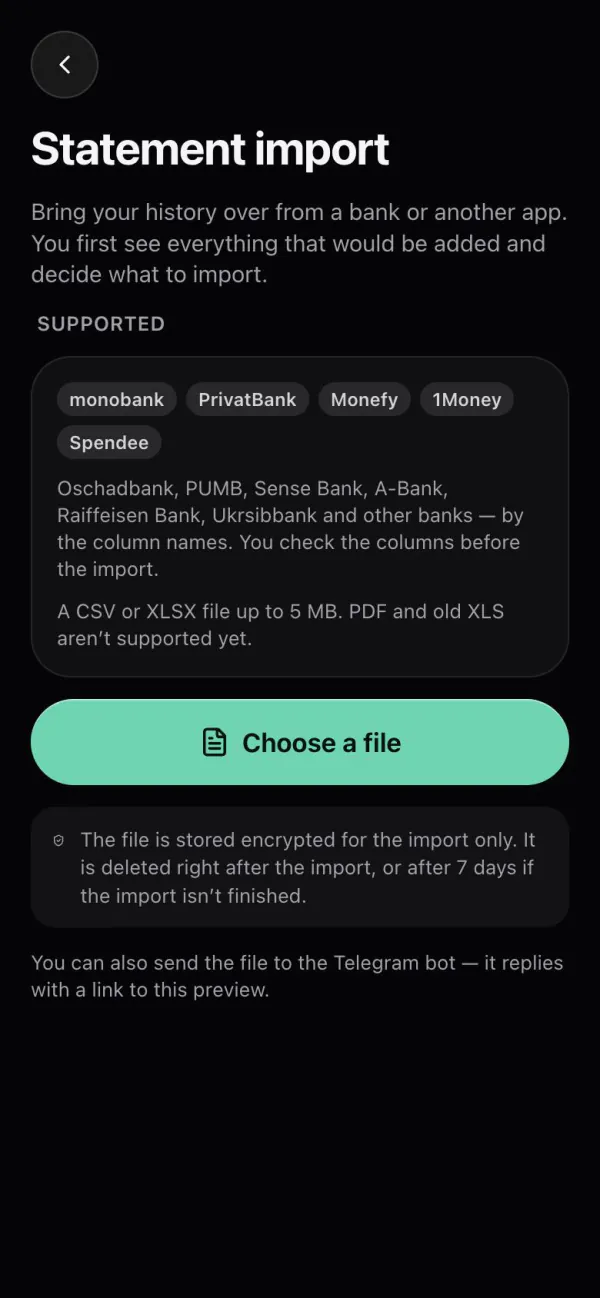
And also
Each account keeps its own currency. Totals use dated National Bank of Ukraine rates; you can also set your own rate.
Learn moreThe same data in the Telegram Mini App and at app.monnex.app. Sign in with Telegram, link Google for the browser.
Learn moreA daily reminder, weekly and monthly summaries and limit alerts — only the ones you turn on.
Learn moreEvery quick entry and every bot entry can be undone in one tap.
Learn moreMonnex does not connect to banks and never asks for card details.
Learn moreThe app speaks Ukrainian, English, Russian, Romanian and Spanish.
Next
Message examples, commands and what happens next.
What Free includes and what Premium will cost.
Monnex, a bank app or a spreadsheet — honestly.
Start with one account and a few entries — the rest of the picture builds up as you go.